Accessing your webmail
All of our shared hosting packages come with a feature-rich Webmail portal. Here is how to access it.
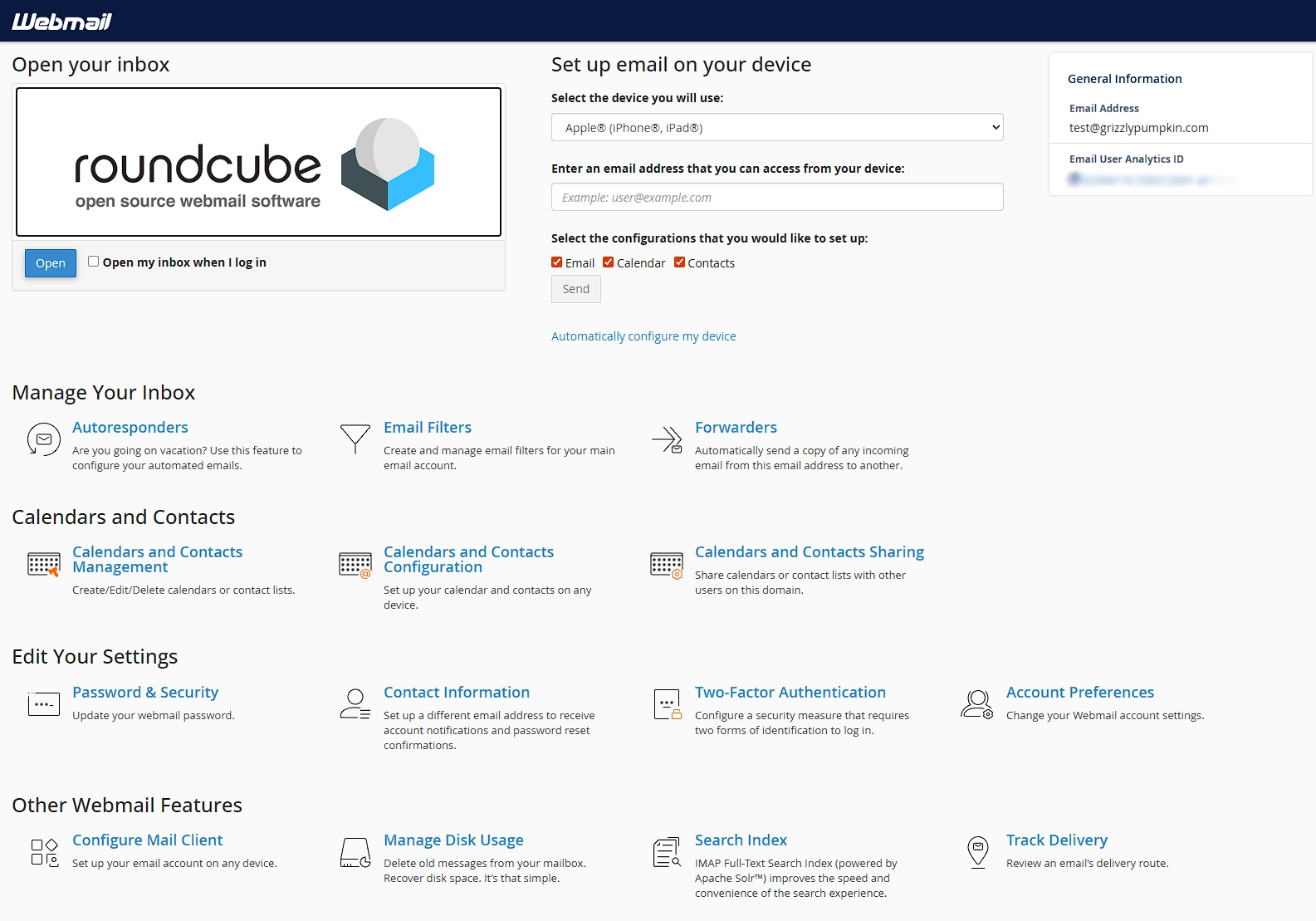
The Webmail portal gives you one place to manage various aspects of your mailbox. It allows you to change your password, set up an autoresponder, create forwarders, and much more. Accessing your Webmail portal is easy.
Visit webmail.yourdomain.com, replacing yourdomain.com with your email domain name.
Use your full email address as your username, and your mailbox password.
If you are taken directly to your inbox, you can access the portal again by clicking the Webmail Home link in the left menu.
Related Articles

Setting up an email forwarder
Our hosting supports mailbox-level and domain-level email forwarders. Here is how to configure them.

Access your email on your phone or another email client
Configuration to access your email from your phone or another email client.

Creating an autoresponder via Webmail
Autoresponders are a handy tool to let people know you're out of the office. They're easy to configure too!